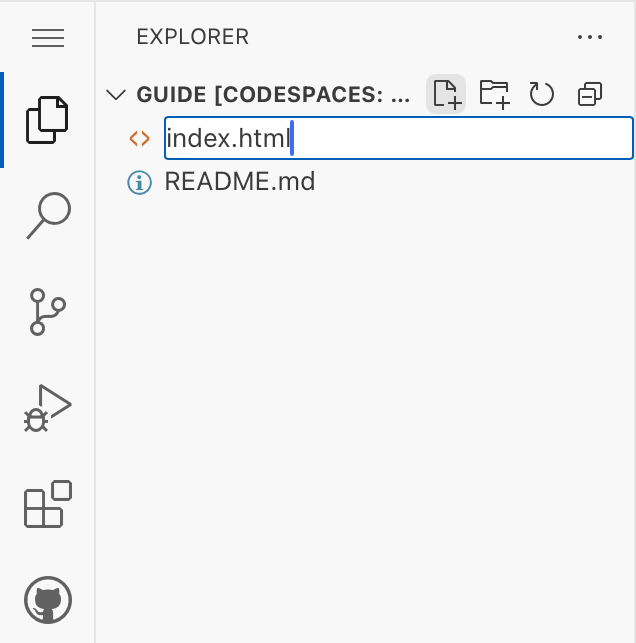
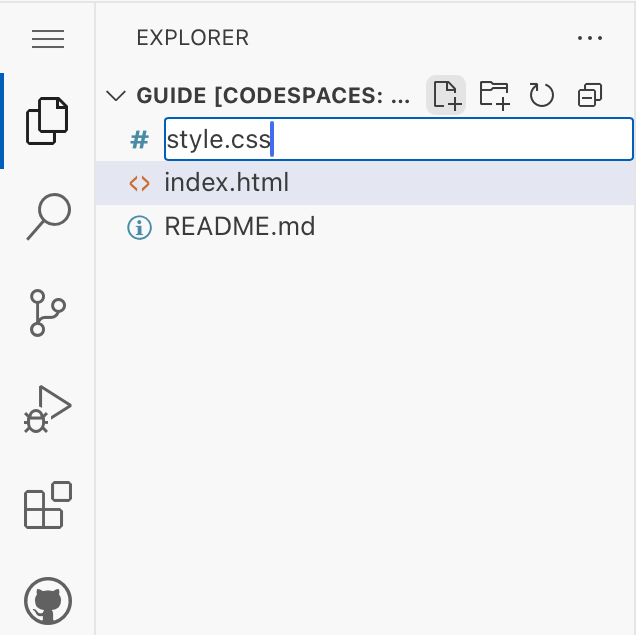
First create two files, name one html.index and the other style.css
Second, open the exstensions tab, search up "Live Server", and install it.
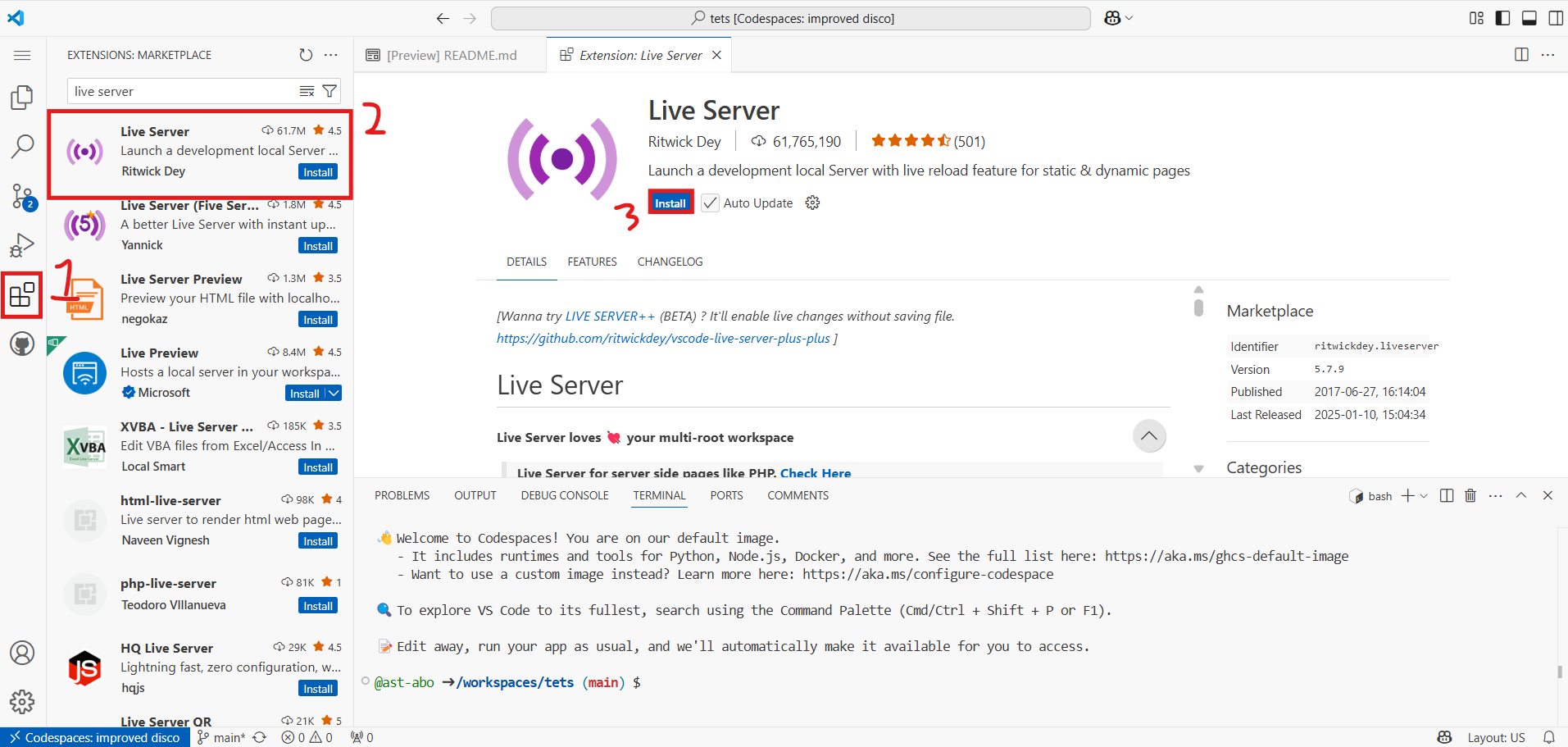
Now you can see a live version of your website if you right click the index.html file and click "Open with LiveServer"
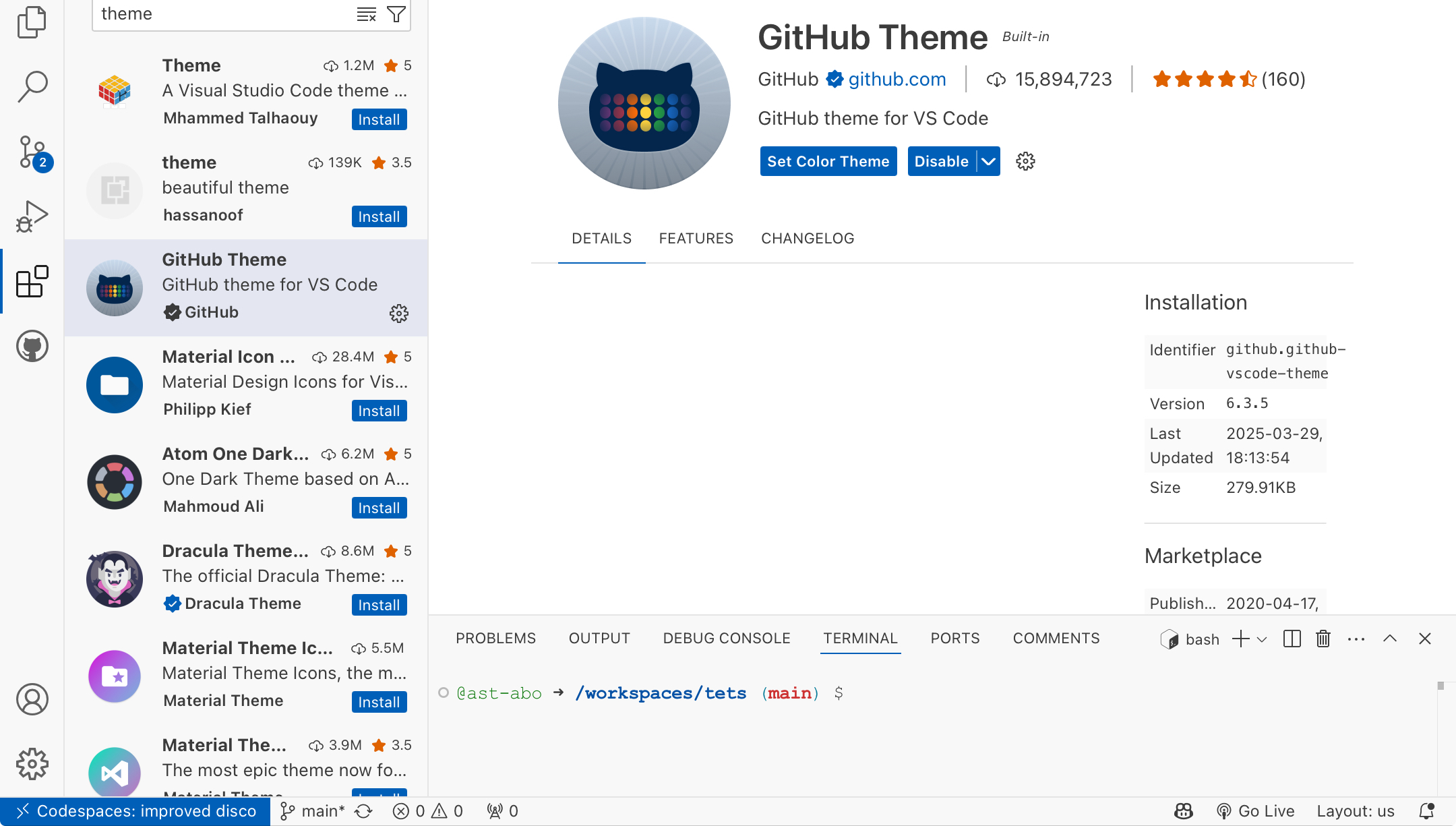
Lastly, you want to change your theme go to extensions and search theme until you find the theme exstension.
go back to the index.html file and create the "structure" of this file.
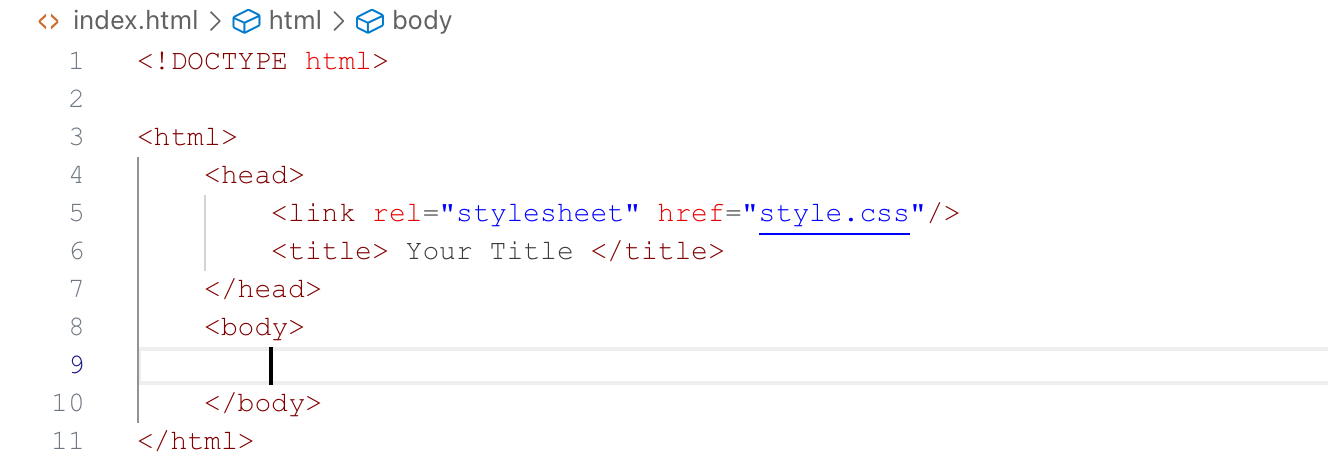
The "body" and "head" are known as tags. In the head tag connect the style file to your index file and set your page title. The body tag will hold most of your text.